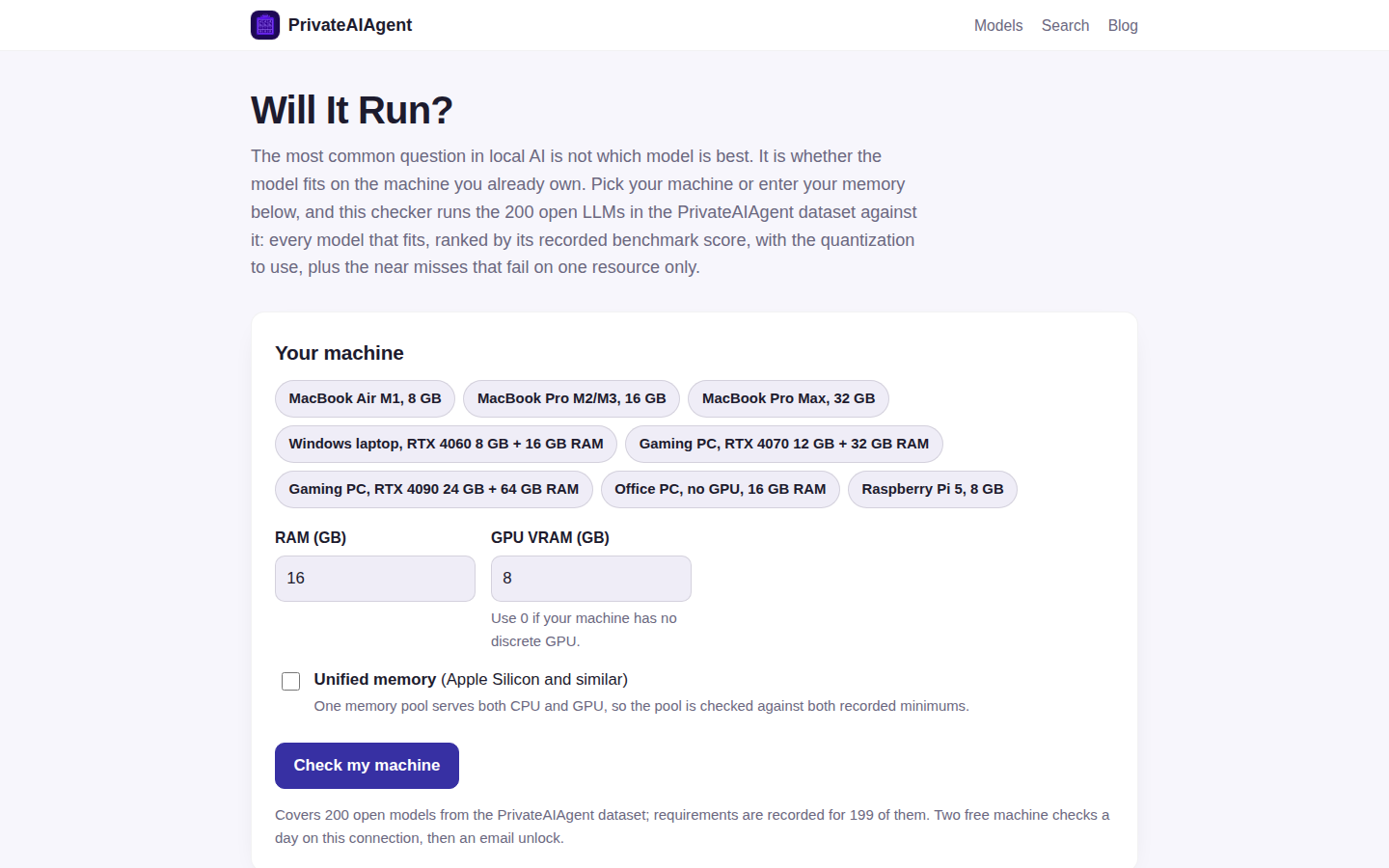
The most common question in local AI is not which model is best. It is whether the model fits on the machine you already own. Will It Run? answers it against the PrivateAIAgent dataset: 200 open LLMs, each with recorded minimum RAM and VRAM.
Pick a preset machine or type your own memory numbers. The checker lists every model that fits, ranked by its recorded benchmark score (MMLU), with the quantization to use, plus the near misses that fail on one resource only. That last list matters: a model that misses by 2 GB of VRAM is a shopping hint, not a dead end.
How to check your machine
- Pick your machine from the presets, or enter RAM and GPU VRAM by hand. Use 0 VRAM if you have no discrete GPU.
- On a Mac or another unified memory machine, tick the unified memory box so the pool is checked once, correctly.
- Press Check my machine and read the fits from the top: highest benchmark first.
Two checks a day are free on your connection, then an email unlocks unlimited checks for the rest of the day. If the VRAM numbers themselves are new to you, read quantized LLM VRAM requirements explained first, then run the check. The companion piece, seven checks before you download a model, goes deeper on quantization and near misses. Or skip the reading and check your machine now.
Once you know what fits, the runtime question is next: our Ollama vs LM Studio vs Jan comparison picks the desktop companion, and the model lists at Hugging Face are where most of these weights live. Readers who end up building agents on top can also try the FrameworkPicker at LocalAIAgents.